
ApiVault Documentation
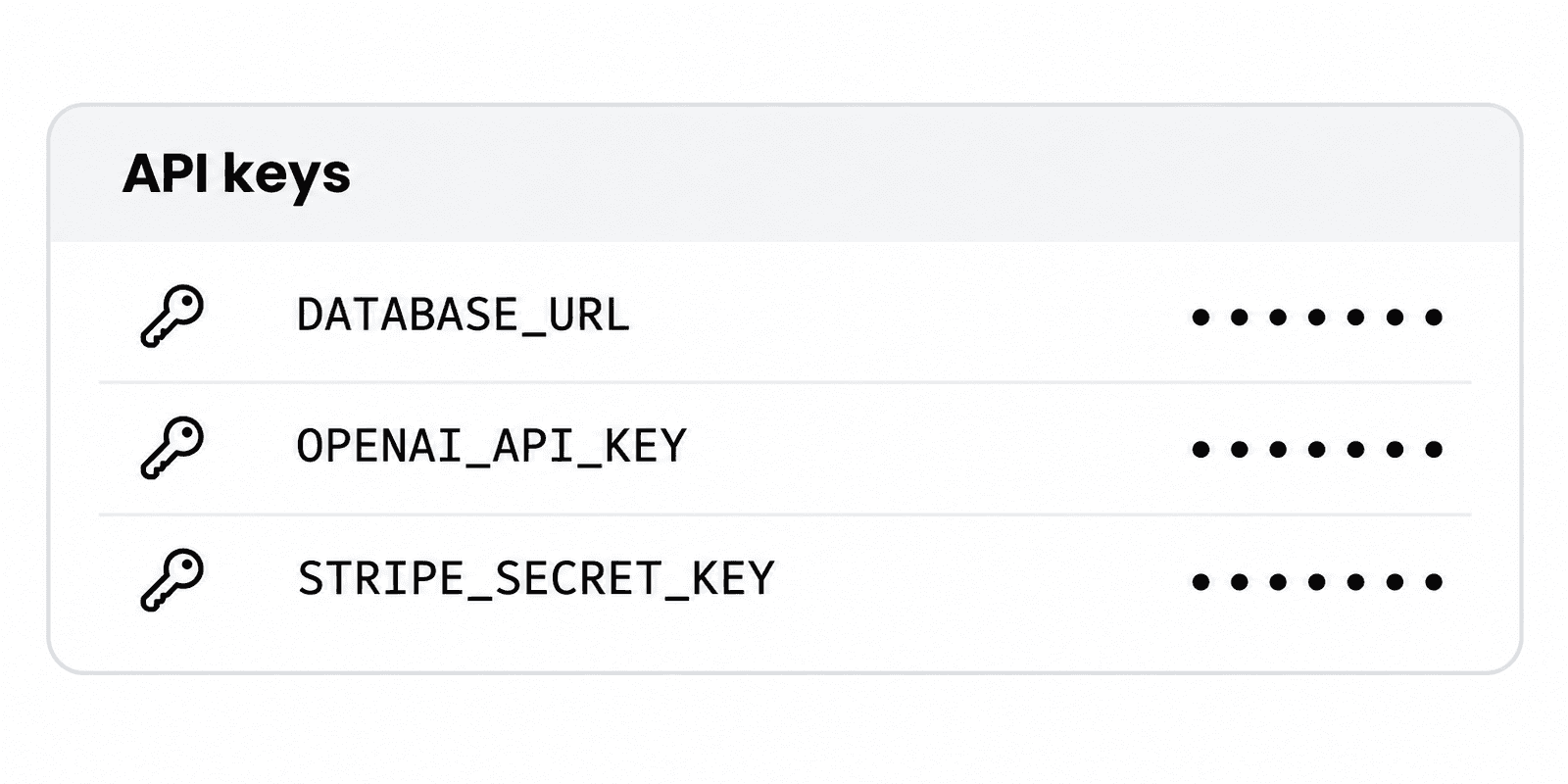
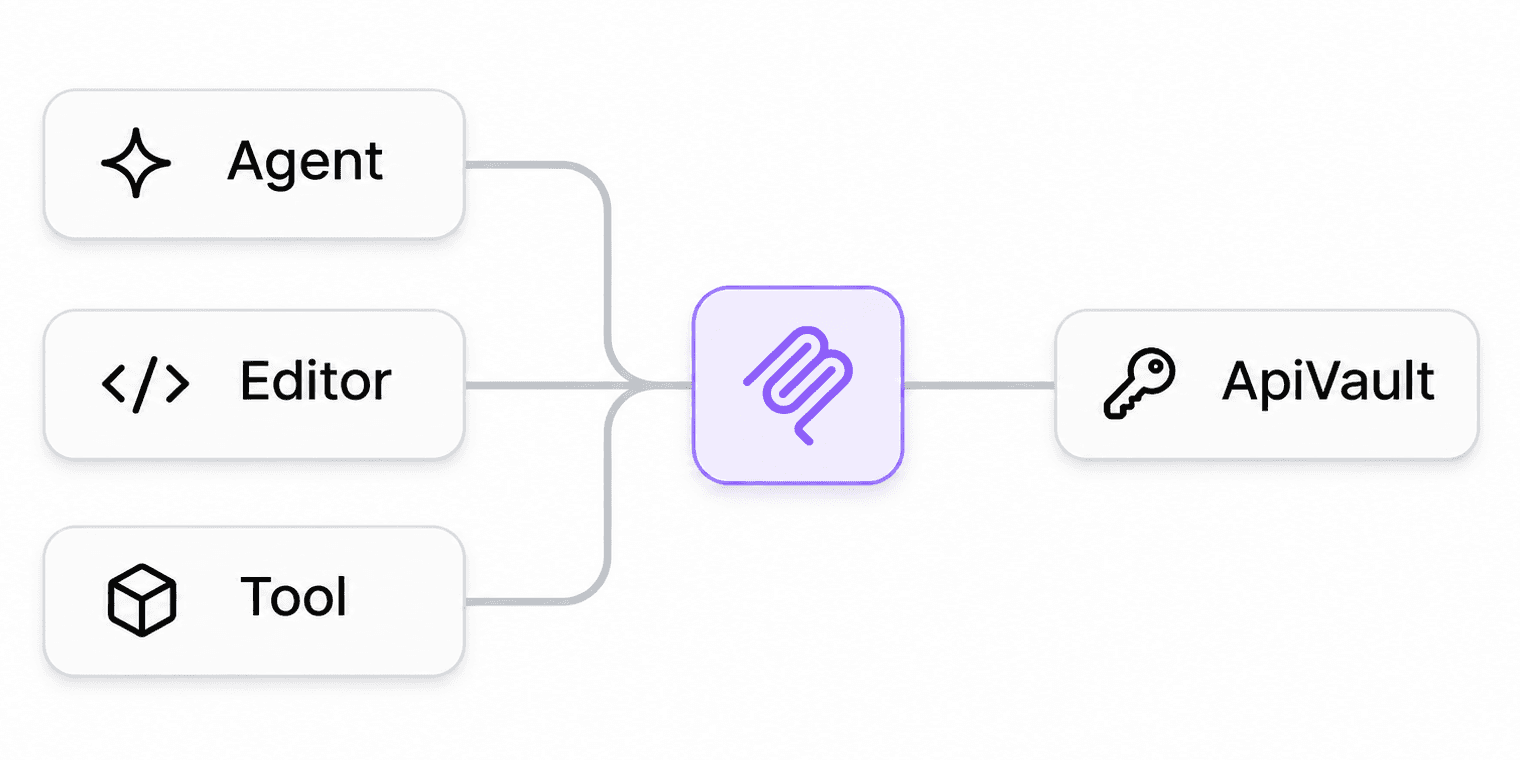
ApiVault keeps your API keys encrypted in one place and delivers them where they are needed: your app, your CI pipeline, your deployment platform, or your AI agent.
Quick start
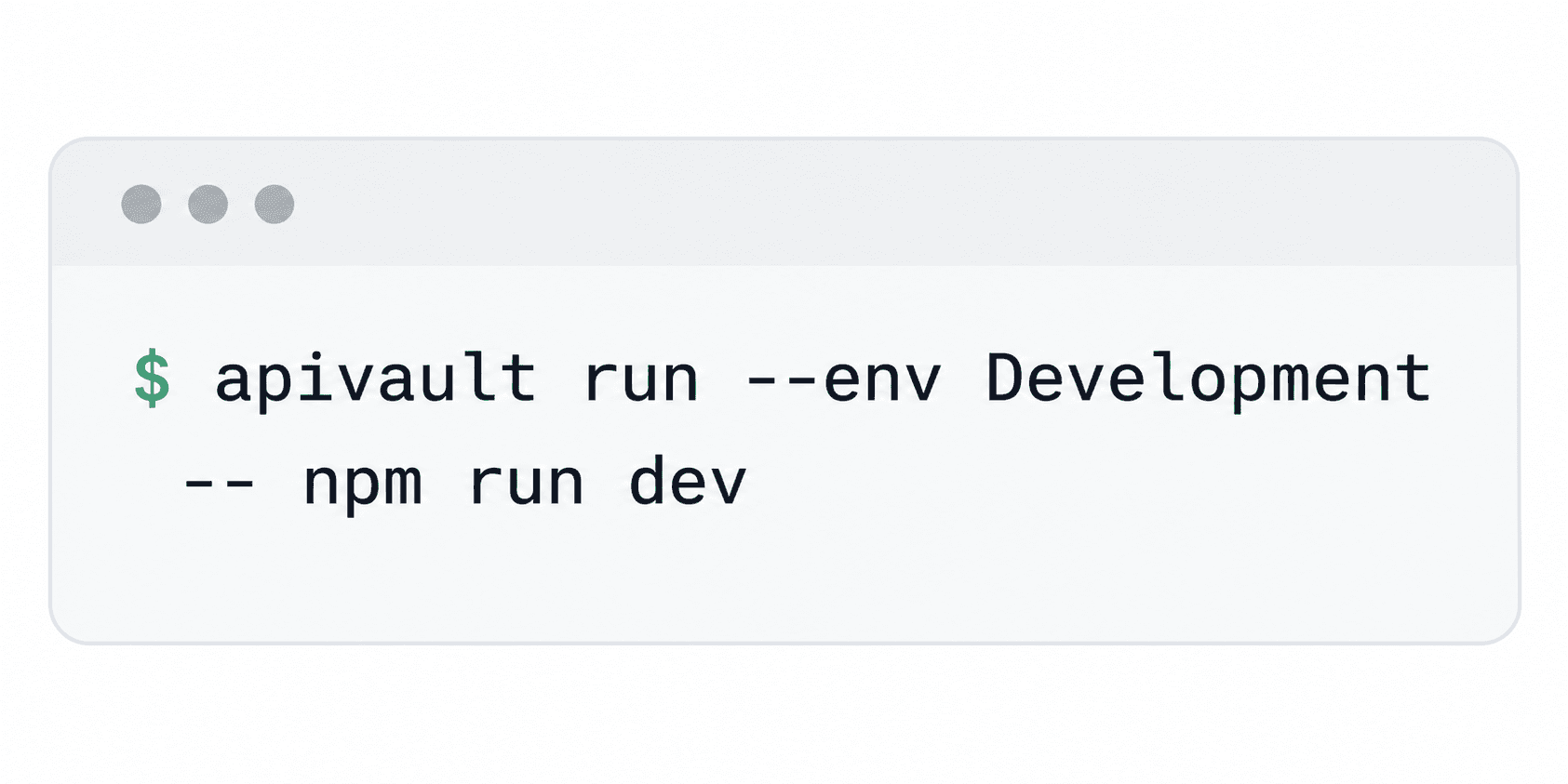
Install the CLI with Node.js 18.17.0 or newer, then follow the setup guide to sign in, link a project, and run your app with secrets.
npm install -g apivault
Add the MCP server to your AI tools, then approve access in your browser.
npx -y add-mcp https://mcp.apivault.tech/mcp -g
Open this prompt in your coding agent from the options menu, or copy it to walk through setup.
Choose your workflow
Explore the docs
Core concepts
Projects, keys, roles, and credentials.
Environments
Separate development, staging, and production keys.
CI/CD
Use service tokens in builds and deployments.
REST API
Authentication and requests over HTTP.
Security
Encryption modes and access controls.
Audit logs
Inspect project activity and key access.
What's new
All updatesSearch project service tokens by name or masked ID and filter by expiration status.
ApiVault saves a copy of your Google profile photo at sign-in so it keeps loading when Google rate-limits image requests.
The Interactive Shell on the docs runs logs and projects commands, targets a project with --project, and prints the same help as the installed CLI.
Name your project and pick an avatar, then import keys, connect integrations, and invite teammates during setup.